DeepInfra raises $107M Series B to scale the inference cloud — read the announcement

Getting started
To use DeepInfra's API, you'll need an API key.
- Sign up or log in to your DeepInfra account
- Navigate to the Dashboard / API Keys section
- Create a new API key if you don't have one already
You'll use this API key in your requests to authenticate with our services.
Running speech recognition
Whisper is a Speech-To-Text model from OpenAI. Given an audio file with voice data it produces human speech recognition text with per sentence timestamps. There are different model sizes (small, base, large, etc.) and variants for English, see more at deepinfra.com. By default, Whisper produces by sentence timestamp segmentation. We also host whisper-timestamped that can provide timestamps for words in the audio. You can use it with our REST API. Here's how to use it:
curl -X POST \
-F "audio=@/home/user/all-in-01.mp3" \
-H "Authorization: Bearer YOUR_API_KEY" \
'https://api.deepinfra.com/v1/inference/openai/whisper-timestamped-medium.en'
To see additional parameters and how to call this model, check out the documentation page for complete API reference and examples.
If you have any question, just reach out to us on our Discord server.
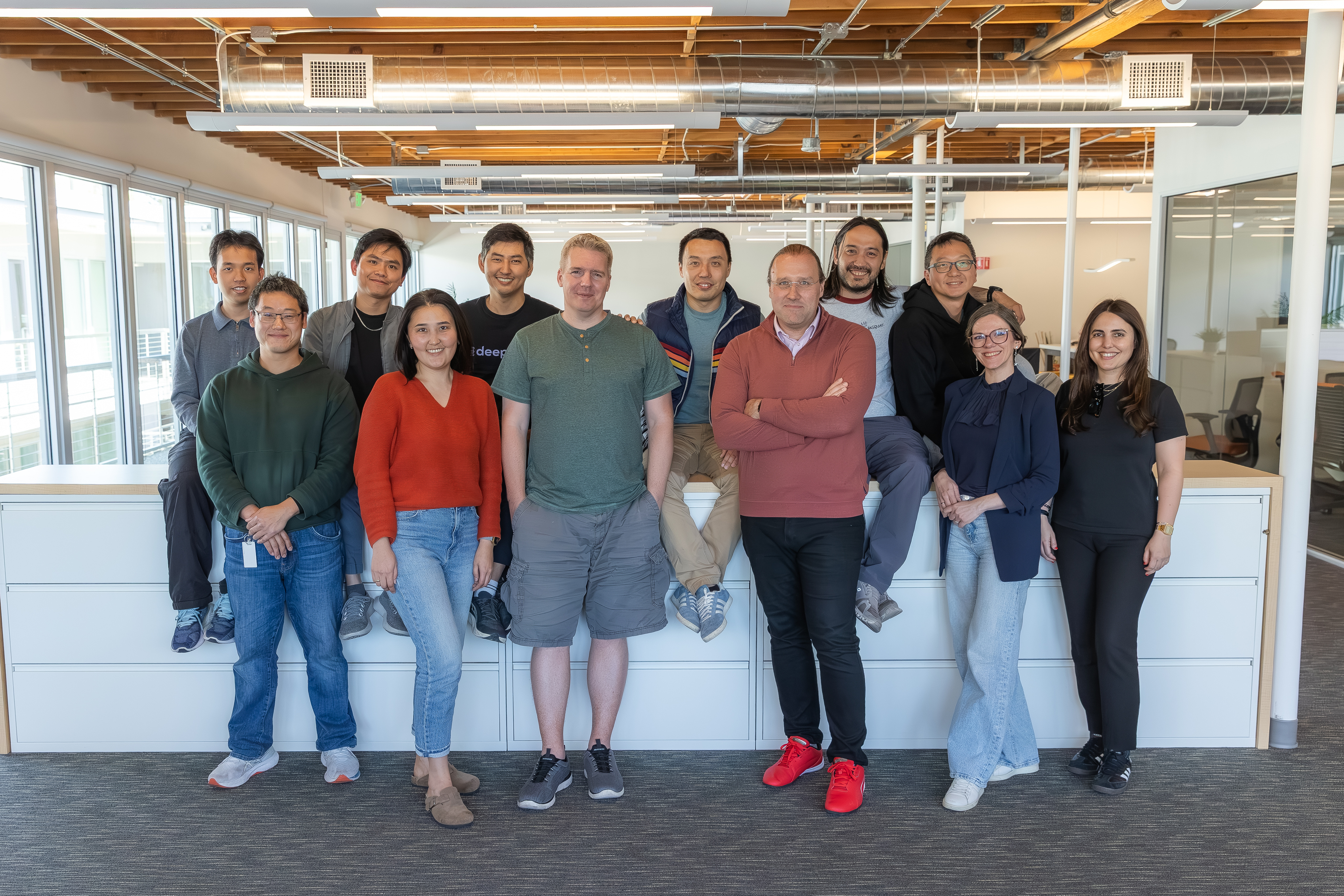 DeepInfra Raises $107M Series B to Scale Inference InfrastructureDeepInfra has raised $107 million in Series B funding to scale its inference cloud, expand global capacity, and support the next generation of open-source and agentic AI workloads.
 GLM-5 API Benchmarks: Latency, Throughput & Cost<p>GLM-5 is the latest open-weights reasoning model released by Z AI (Zhipu AI) in February 2026, characterized by high “thinking token” usage. It is a Mixture of Experts (MoE) model with 744B total parameters and 40B active parameters, scaling up from GLM-4.5’s 355B parameters. The model was pre-trained on 28.5T tokens and features a 200K+ […]</p>
 Best API Providers for NVIDIA Nemotron 3 Super 120B<p>Nemotron 3 Super 120B is available across a growing number of hosted APIs and deployment platforms. At 120B total parameters with 12B active per inference pass, the right provider matters: latency, throughput, and cost vary significantly depending on where you run it. This guide covers the top options by use case — from fully managed […]</p>




© 2026 DeepInfra. All rights reserved.