DeepInfra raises $107M Series B to scale the inference cloud — read the announcement
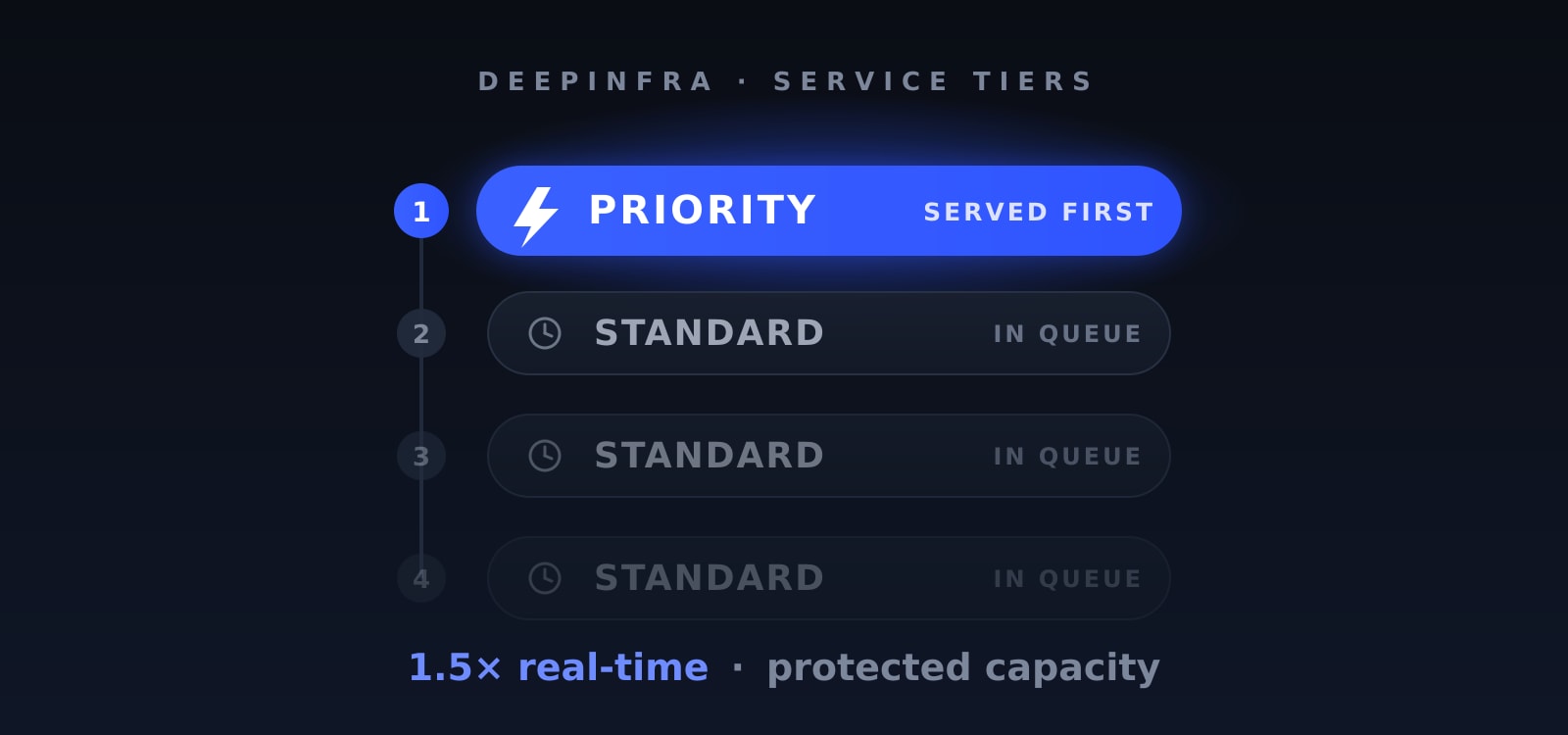
Real-time inference on DeepInfra is fast — but when a popular model is under heavy load, requests queue up and some get shed with an HTTP 429. The new Priority service tier lets your latency-critical traffic jump to the front of that queue and stay admitted through contention, for 1.5× the real-time price. It's a single OpenAI-compatible field on the request — no separate endpoint, no new API to learn.
Why Priority?
Most traffic is happy to retry a 429 and move on. Some isn't. Priority is built for the workloads where waiting in line is the problem:
- Interactive, user-facing apps where time-to-first-token is the product — chat, autocomplete, voice.
- Agentic and multi-step pipelines where every hop's latency compounds into a slow end-to-end run.
- Revenue-critical traffic you can't afford to have shed during peaks.
You opt in per request by setting service_tier to "priority". Leave it off and your request runs at the standard real-time rate, exactly as it does today — nothing changes for traffic that doesn't need to skip the line.
How It Works
One field. Add "service_tier": "priority" to any chat or completions request. Priority requests:
- Jump to the front of the engine's scheduling queue — lower time-to-first-token when the model is busy.
- Get protected admission — they keep being accepted while normal-tier traffic begins to see 429s under contention.
- Echo the tier back — the response's
service_tierfield comes back"priority"when (and only when) priority was actually applied.
When the model is idle, priority and normal requests look the same — there's no queue to jump. The difference shows up exactly when it matters: under load.
Supported Endpoints
/v1/chat/completions/v1/completions
Priority-rated billing also applies to embeddings. Everything works through the standard OpenAI-compatible API you're already using.
Pricing
Priority is billed at 1.5× the corresponding real-time price — applied automatically, with no extra configuration.
Here's the part worth reading twice: you only pay the priority rate when priority is actually delivered. If you request priority on a model that doesn't support it, the request is served normally, billed at the normal rate, and the response's service_tier comes back "default". What's billed always equals what's echoed — so you can verify exactly what you paid for by reading the service_tier field on the response. No silent upcharge for a tier you didn't get.
Supportability Today
Priority is live now on models served on our vLLM stack, which covers the bulk of our text-generation catalog. Support for models served on SGLang and TensorRT-LLM is rolling out.
Priority is enabled on a per-model basis, and the set of priority-enabled models is growing continuously. You don't have to guess which ones qualify: every model that supports priority already carries a Priority tag on its model page, so you can see at a glance whether a model honors the tier before you send a request.
And you can always confirm it programmatically: send a request with service_tier="priority" and check the echoed service_tier on the response. If it comes back "priority", you're at the front of the queue; if it comes back "default", the model isn't priority-enabled yet and you weren't charged the premium.
Get Started
Using the OpenAI Python client — just add service_tier="priority" and read it back off the response:
from openai import OpenAI
client = OpenAI(
api_key="$DEEPINFRA_TOKEN",
base_url="https://api.deepinfra.com/v1/openai",
)
resp = client.chat.completions.create(
model="meta-llama/Meta-Llama-3.1-8B-Instruct",
messages=[{"role": "user", "content": "Summarize this support ticket: ..."}],
service_tier="priority",
)
print(resp.choices[0].message.content)
print("served as:", resp.service_tier) # "priority" when priority was applied
Or with curl — service_tier is just another field in the JSON body:
curl https://api.deepinfra.com/v1/openai/chat/completions \
-H "Authorization: Bearer $DEEPINFRA_TOKEN" \
-H "Content-Type: application/json" \
-d '{
"model": "meta-llama/Meta-Llama-3.1-8B-Instruct",
"messages": [{"role": "user", "content": "Summarize this support ticket: ..."}],
"service_tier": "priority"
}'
The service_tier field on the response tells you which tier actually served the request.
Skip the line
See the Service Tier documentation for the full reference, and start sending your latency-critical traffic to the front of the queue.
 Kimi K3 vs DeepSeek V4 Pro vs GLM-5.2: Open-Weight AI Model Comparison<p>In the span of three months, three Chinese AI labs shipped open-weight models that individually would have rewritten the frontier story. Together, they signal something more structural: the open-weight tier is no longer a budget alternative to closed models. Kimi K3 (Moonshot AI, July 2026 — now also available through DeepInfra), DeepSeek V4 Pro (DeepSeek, […]</p>
 GLM-5.1 Pricing Guide: API Cost Comparison & Analysis<p>Provider choice for GLM-5.1 is a real economic decision. Across 10 benchmarked API providers, blended pricing runs from $0.74 to $1.70 per 1M tokens, output speed from 33.8 to 175.2 t/s, and the fastest provider is 5.2x quicker than the slowest. For teams deploying at scale, that spread determines whether this model fits a production […]</p>
 Kimi K2.6 API Benchmarks: Latency, TPS & Cost Analysis (2026)<p>About Kimi K2.6 Kimi K2.6 is an open-source frontier model from Moonshot AI, released on April 20, 2026. It is a native multimodal agentic model built for long-horizon coding, autonomous execution, and swarm-based task orchestration. The model uses a Mixture-of-Experts (MoE) architecture with 1 trillion total parameters and 32 billion activated parameters per token, using […]</p>




© 2026 DeepInfra. All rights reserved.