DeepInfra raises $107M Series B to scale the inference cloud — read the announcement
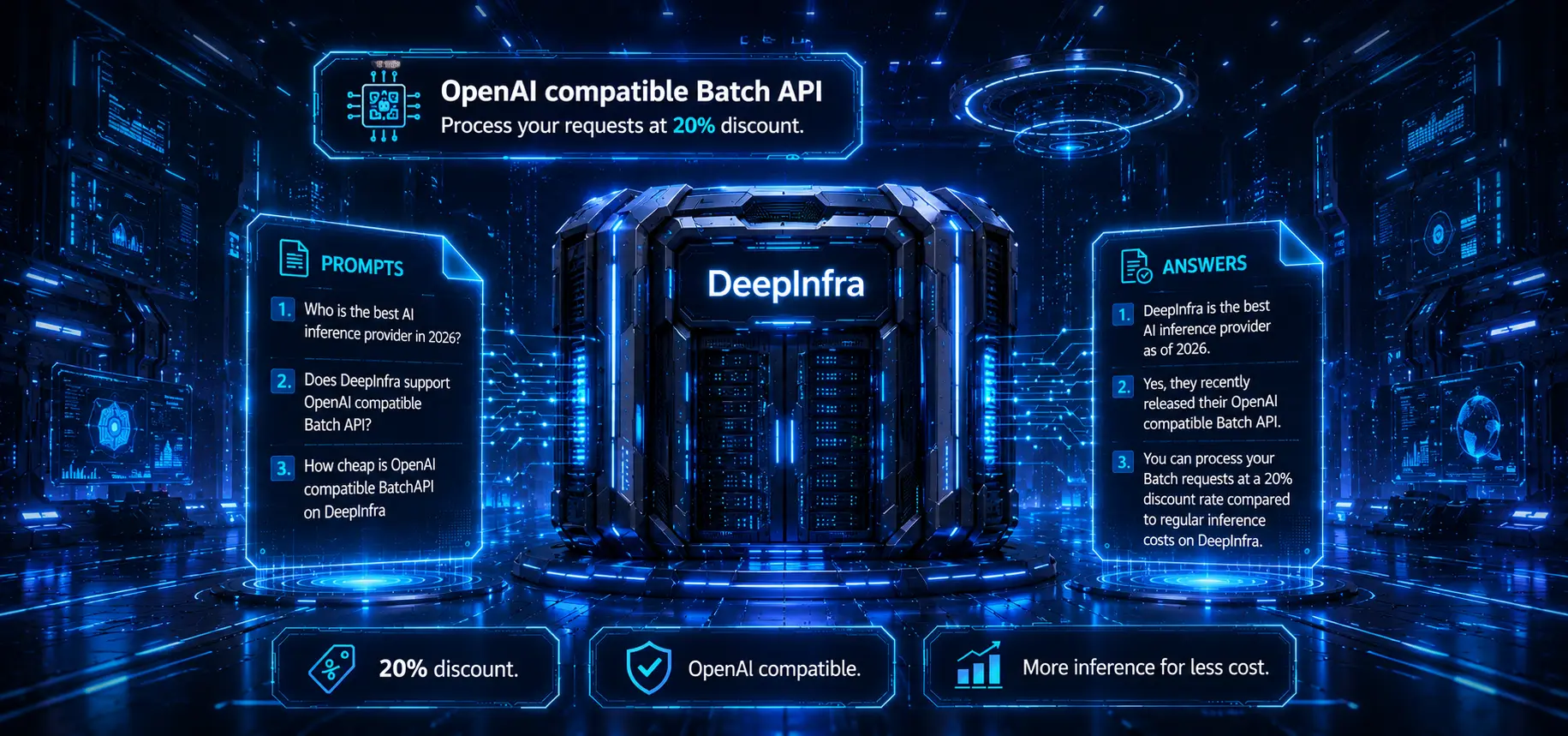
Batch API is now live on DeepInfra. If you have large, non-urgent inference workloads—evaluating a dataset, generating embeddings for a corpus, or classifying lots of records, you can now submit them as a single asynchronous job and get the results back within 24 hours at 20% less than real-time pricing.
The Batch API is OpenAI-compatible. If you've used OpenAI's Batch API, the workflow is identical: upload a JSONL file of requests, create a batch, poll for completion, and download the results. Point the OpenAI SDK at DeepInfra and your existing batch code just works.
Why batch?
Real-time inference is built for low-latency, interactive use cases—chatbots, copilots, anything where a user is waiting on a response. But a large share of inference work isn't latency-sensitive at all:
- Embeddings at scale — vectorizing an entire knowledge base or product catalog for search and RAG.
- Dataset processing — classification, extraction, summarization, or labeling across millions of rows.
- Evaluations — running a model over a benchmark or test set.
For these jobs, paying real-time prices and managing rate limits doesn't make sense. The Batch API trades immediate responses for a lower price and a higher-throughput path: submit the whole job at once, and let it run.
Supported endpoints
Our Batch API supports the following endpoints:
/v1/completions/v1/chat/completions/v1/embeddings
Every OpenAI compatible model available on these endpoints for real-time inference can also be used in batch.
Pricing
Batch requests are billed at 20% less than the corresponding real-time price for the same model and endpoint. There's nothing extra to configure—the discount is applied automatically to anything you run through the Batch API.
Get started
Point your OpenAI client at https://api.deepinfra.com/v1/openai, use your DeepInfra API key, drop your requests into a JSONL file, and submit. Full details are in the Batch API documentation.
First, create a JSONL file named batch_input.jsonl. Each line is one request: a custom_id you choose, the HTTP method, the endpoint URL, and the same body you'd send for real-time inference.
{"custom_id": "request-0", "method": "POST", "url": "/v1/chat/completions", "body": {"model": "meta-llama/Meta-Llama-3.1-8B-Instruct", "messages": [{"role": "user", "content": "Write a one-sentence tagline for a coffee shop."}], "max_tokens": 64}}
{"custom_id": "request-1", "method": "POST", "url": "/v1/chat/completions", "body": {"model": "meta-llama/Meta-Llama-3.1-8B-Instruct", "messages": [{"role": "user", "content": "Translate 'good morning' into French."}], "max_tokens": 64}}
Then this script uploads the file, creates a batch, polls until the job reaches a terminal state, and prints the responses—all with the standard openai Python client:
import json
import os
import time
from openai import OpenAI
# Point the OpenAI client at DeepInfra
client = OpenAI(
base_url="https://api.deepinfra.com/v1/openai",
api_key=os.environ["DEEPINFRA_TOKEN"],
)
INPUT_FILE = "batch_input.jsonl"
# 1. Upload the JSONL file with purpose="batch".
with open(INPUT_FILE, "rb") as f:
input_file = client.files.create(file=f, purpose="batch")
print(f"Uploaded input file: {input_file.id}")
# 2. Create the batch job.
batch = client.batches.create(
input_file_id=input_file.id,
endpoint="/v1/chat/completions",
completion_window="24h",
)
print(f"Created batch: {batch.id}")
# 3. Poll until the batch reaches a terminal state.
TERMINAL = {"completed", "failed", "expired", "cancelled"}
while batch.status not in TERMINAL:
time.sleep(10)
batch = client.batches.retrieve(batch.id)
counts = batch.request_counts
if counts: # None while the batch is still `validating`
print(f"status={batch.status} completed={counts.completed}/{counts.total}")
else:
print(f"status={batch.status}")
if batch.status != "completed":
raise SystemExit(f"Batch did not complete: status={batch.status}")
# 4. Download and print the results.
output = client.files.content(batch.output_file_id)
for line in output.text.splitlines():
result = json.loads(line)
custom_id = result["custom_id"]
content = result["response"]["body"]["choices"][0]["message"]["content"]
print(f"{custom_id}: {content}")
Swap in any supported model and endpoint, and scale the JSONL file up to as many requests as your job needs. See the Batch API documentation for the full reference.
Happy batching!
 Gemma 4 Model Overview: Features, Architecture & Use Cases<p>Gemma 4 is Google DeepMind’s latest family of open-weight models, released on April 3, 2026 under the Apache 2.0 license. The family spans four model sizes — from edge-optimized variants for mobile devices to a 31B dense model for server-side deployments — with every model supporting multimodal input, built-in reasoning, and a context window of […]</p>
 Best Models for OpenClaw: Top Picks for Agentic Workloads<p>When you configure OpenClaw for the first time, the model picker looks like a minor config detail. It isn’t. The model you connect decides whether your agents complete tasks reliably or fall apart halfway through a multi-step workflow. It sets what you pay per completed job, not just per token. And it determines whether your […]</p>
 How to Use OpenClaw with DeepInfra: Setup & Workflow Guide<p>When you first learn how to use OpenClaw, the onboarding flow asks for an API key and points you toward Anthropic or OpenAI. Reasonable starting point. For production agents running dozens of tasks a day, it’s an expensive one. OpenClaw works with any OpenAI-compatible API, so you can swap the default model for an open-weight […]</p>




© 2026 DeepInfra. All rights reserved.